Price Breakdown & Availability
Here's how current offers compare across retailers.
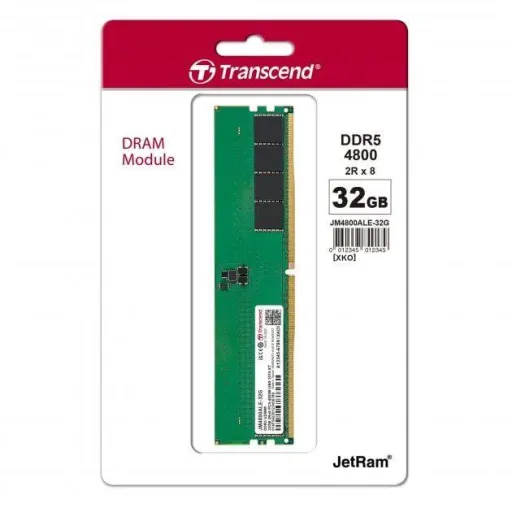
Transcend JetRam DDR5 16GB 5600MHz

You Might Also Like
This Transcend JetRam DDR5 module is designed for modern desktop builds, so daily apps feel more responsive even when your workload gets busy. The 16GB capacity targets that practical sweet spot for rozana browsing, office work, and heavier multitasking without constant slowdowns. The 5600 speed grade keeps bandwidth generous for quick launches, smooth tab switching, aur background tasks bhi asaani se handle hotay rehte hain. The JetRam approach focuses on JEDEC compliance and consistent behavior, jis ka matlab plug and play stability hoti hai instead of endless tuning. The unbuffered Long DIMM form factor is meant for standard desktop memory slots, so fitment stays straightforward in compatible systems. The on die ECC feature works inside the DRAM chip to spot and correct certain internal bit issues, reliability ka extra layer mil jata hai for long sessions. The low 1.1V operating voltage supports efficient power behavior, jis se heat kam hoti hai and the system can stay more composed. The built in PMIC concept in DDR5 modules helps regulate power more locally, so delivery remains cleaner when loads jump up and down
The DDR5 5600 speed tier delivers higher bandwidth headroom, so large workloads feel less bottlenecked when multiple apps demand memory at once. The official spec for this module lists a 5600 speed rating, which aligns with the DDR5 5600 class many current platforms support out of the box. The practical benefit shows up in heavy browser sessions, jahan tabs zyada hon, because background refresh and foreground scrolling can stay smooth. Faster memory bandwidth can also help certain productivity tasks, especially when compression, large datasets, ya multi layer projects memory ko continuously feed karte rehte hain. The DDR5 generation is broadly positioned as a higher bandwidth, lower voltage step compared to DDR4, which makes the upgrade feel more “modern platform ready” for many users. The 1.1V operating profile supports efficiency under typical loads, toh long study sessions ya office hours mein heat aur fan noise ka pressure usually kam hota hai. The JetRam module is described as JEDEC compliant, so you get predictable baseline behavior that reduces random instability risk. The end result is a desktop that feels quicker in small moments, bilkul like faster app switching and less “wait time” friction, without needing exotic settings
The DDR5 platform redesign improves how data moves inside a module, so performance can feel steadier across mixed workloads rather than peaking only in benchmarks. The key shift is that DDR5 breaks the module into two 32 bit addressable channels, jis se overall efficiency improve hoti hai when the system is juggling many small requests. The JetRam DDR5 product description also highlights this dual independent 32 bit channel behavior as part of DDR5’s generational uplift. The benefit shows up in everyday multitasking, jahan chat apps, cloud sync, and browsers simultaneously memory access karte rehte hain. The module still presents a familiar desktop installation experience, but the internal structure helps reduce some inefficiencies that older designs carried. The on module power management approach is another DDR5 era change, jis se power delivery closer to the module control hota hai, supporting stability when load patterns shift quickly. The Transcend write up links PMIC behavior with reduced interruptions and better efficiency, which matters during long gaming nights or extended work sprints. The overall experience feels more refined, matlab less random micro stutter in mixed usage, while staying within standard JEDEC expectations
This 16GB DDR5 module gives your system practical breathing room, so you can keep more apps open without the PC feeling like it is constantly catching up. The capacity is specified as 16GB for the JM5600ALE 16G variant, which makes it a clean single module upgrade path for many desktops. The module is described as a single rank 1Rx8 configuration, jo aam tor par compatibility aur predictable behavior mein help karta hai for mainstream platforms. The productivity win becomes obvious when you run meetings, spreadsheets, and a heavy browser together, kyun ke background refresh and foreground input stay responsive. The gaming benefit often feels like steadier minimums in certain scenarios, especially when the OS and game both demand memory at the same time, aur stutter wali tension kam hoti hai. The 5600 speed rating supports that “snappy” feel when the system is loading assets, switching scenes, or compiling small tasks in the background. The DDR5 generation also leans into higher bandwidth design goals than DDR4, which is why 16GB at a solid speed can feel more balanced on newer platforms. The upgrade vibe stays clean and practical, matlab you get more headroom without turning your build into an overclocking project
The 1.1V operating voltage helps keep power draw efficient, so your desktop can remain cooler and quieter during long sessions. The module’s listed voltage is 1.1V, which fits the typical DDR5 baseline and supports efficient everyday performance. The Transcend description notes that a PMIC helps reduce interruptions while cutting power consumption, jis ka real benefit yeh hota hai ke heavy multitasking mein stability zyada “set and forget” feel hoti hai. The broader DDR5 standard also emphasizes on module power management as a key shift, so regulation happens closer to the memory module rather than relying only on motherboard side control. The practical outcome is fewer moments where performance suddenly feels inconsistent, especially when background services, updates, aur multiple apps ek sath memory ko hit karte hain. The lower voltage profile can also reduce heat buildup near the DIMM area, which is helpful if your case airflow is average rather than “open bench” perfect. The JetRam positioning keeps things simple for users who want reliable JEDEC behavior, toh BIOS tweaking ke baghair bhi system stable reh sakta hai. The overall feel becomes more refined in daily use, kyun ke efficiency improvements indirectly protect consistency when the PC runs for hours
The on die ECC feature adds an internal correction layer inside the DRAM chip, so small internal bit errors can be detected and corrected automatically. The Transcend JetRam DDR5 description explicitly calls out on die ECC for improving data integrity and system stability, jo long uptimes aur continuous workloads mein kaafi meaningful hota hai. The DDR5 standard overview from Kingston also explains on die ECC as a new feature for correcting bit errors within the chip, which supports reliability as densities and speeds increase. The key nuance is that on die ECC operates within the chip and does not replace full end to end ECC DIMMs, lekin phir bhi everyday stability ke liye yeh ek sensible plus point hai. The deeper technical explanation describes extra internal ECC storage and correction for single bit errors inside DDR5 arrays, jo background mein silently kaam karta rehta hai while you focus on your tasks. The benefit is most noticeable when the PC is under continuous load, like long exports, multi hour gaming, ya heavy browser usage where memory is constantly accessed. The reliability story fits JetRam’s “stable defaults” identity, because it supports consistent behavior rather than chasing only peak headline numbers. The result is a smoother ownership experience, matlab less time troubleshooting random crashes and more time staying productive
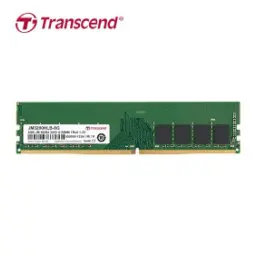
The UDIMM form factor targets standard desktop motherboards, so installation is the familiar push click seating process once you confirm DDR5 support. The module is specified as a 288 pin unbuffered Long DIMM, which is the common physical layout for DDR5 desktop DIMMs. The DDR5 ecosystem also maintains that DDR5 client memory is supplied as 288 pin DIMMs, so you get an industry standard slot style rather than a proprietary connector. The most important compatibility detail is that DDR5 module keying differs from DDR4, toh DDR4 slot mein yeh fit nahi hota and forcing it is a bad idea. The Kingston overview highlights that UDIMM and RDIMM keys can differ as well, so you should match the module type your motherboard expects. The Transcend order listing clearly positions the DDR5 5600 U DIMM JetRam line for desktop use, which helps buyers avoid mixing it up with SO DIMM laptop modules. The upgrade path stays simple when you check your motherboard QVL or memory support page, phir aap bilkul seedha install karke boot kar sakte ho with minimal drama. The result is a clean, modern memory refresh that feels like a proper platform match, not a workaround
The listed CAS latency for this module is CL46, which is a common timing tier for JEDEC class DDR5 5600 and keeps behavior predictable. The official Transcend spec sheet section shows DDR5, 5600 speed, and CL46 together, so you know the baseline profile is clearly defined. The PC5 44800 labeling is commonly associated with 5600 MT/s DDR5 modules, and reseller listings for this exact JetRam module show 5600 MHz / PC5 44800 with CL46 and 1.1V. The real world takeaway is that bandwidth stays generous while latency remains “normal” for this class, toh aapko smooth overall responsiveness milti hai instead of chasing only low latency brag numbers. Broader DDR5 discussions also note that DDR5 brings higher bandwidth but latency comparisons can vary, which is why a balanced JEDEC profile often feels stable for mixed daily use. The market context shows many 16GB DDR5 5600 UDIMMs using 1.1V and CL46 class timings, so this JetRam spec sits in a widely supported lane. The end result is a memory choice that prioritizes consistency, jis se random tuning issues kam hotay hain and the system stays easy to maintain
The JetRam DDR5 line is positioned around strict screening and environmental testing, so the goal is stable long term behavior rather than short lived peak bursts. The Transcend product page mentions brand name DRAM chips and a screening process, jo reliability mindset ko reinforce karta hai for everyday users and workstation style routines. The operating temperature range is listed as 0°C to 85°C, which supports typical desktop environments where airflow and ambient conditions can change across seasons. The module also carries a limited lifetime warranty on the official spec page, so ownership risk feels lower when you are building a system for multiple years. Reseller specifications repeat the limited lifetime warranty detail for this exact 16GB 5600 UDIMM variant, which helps confirm the positioning across channels. The strongest upgrade strategy is to pair this with a DDR5 capable motherboard and keep settings sensible, kyun ke stable defaults often deliver the smoothest day to day experience. The 288 pin UDIMM format and JEDEC compliance keep the setup straightforward, so you can spend time using the PC rather than troubleshooting it. The final feeling is a practical, modern upgrade that stays dependable, bilkul like a “quiet improvement” you notice every day
Here's how current offers compare across retailers.
Review current prices and specifications side by side.
 Current
Transcend
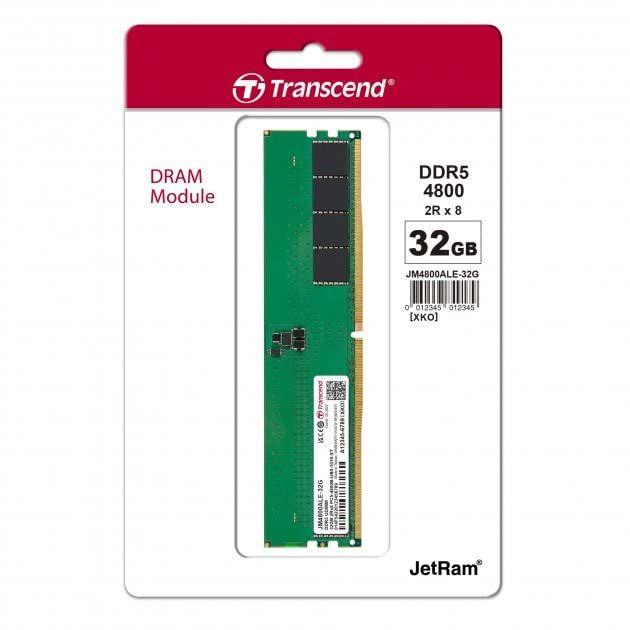
Transcend JetRam DDR5 16GB 5600MHzRs. 63,500
Local price
3 offers
Updated 1 day ago