


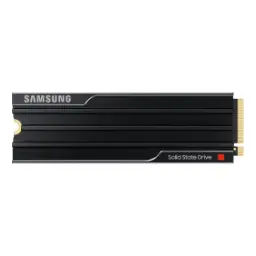
Price Breakdown & Availability
Here's how current offers compare across retailers.
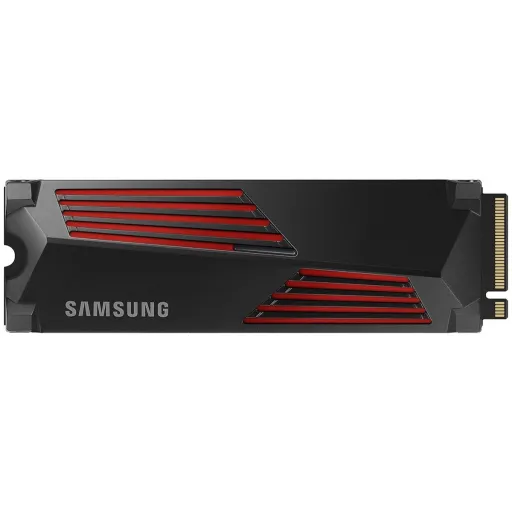
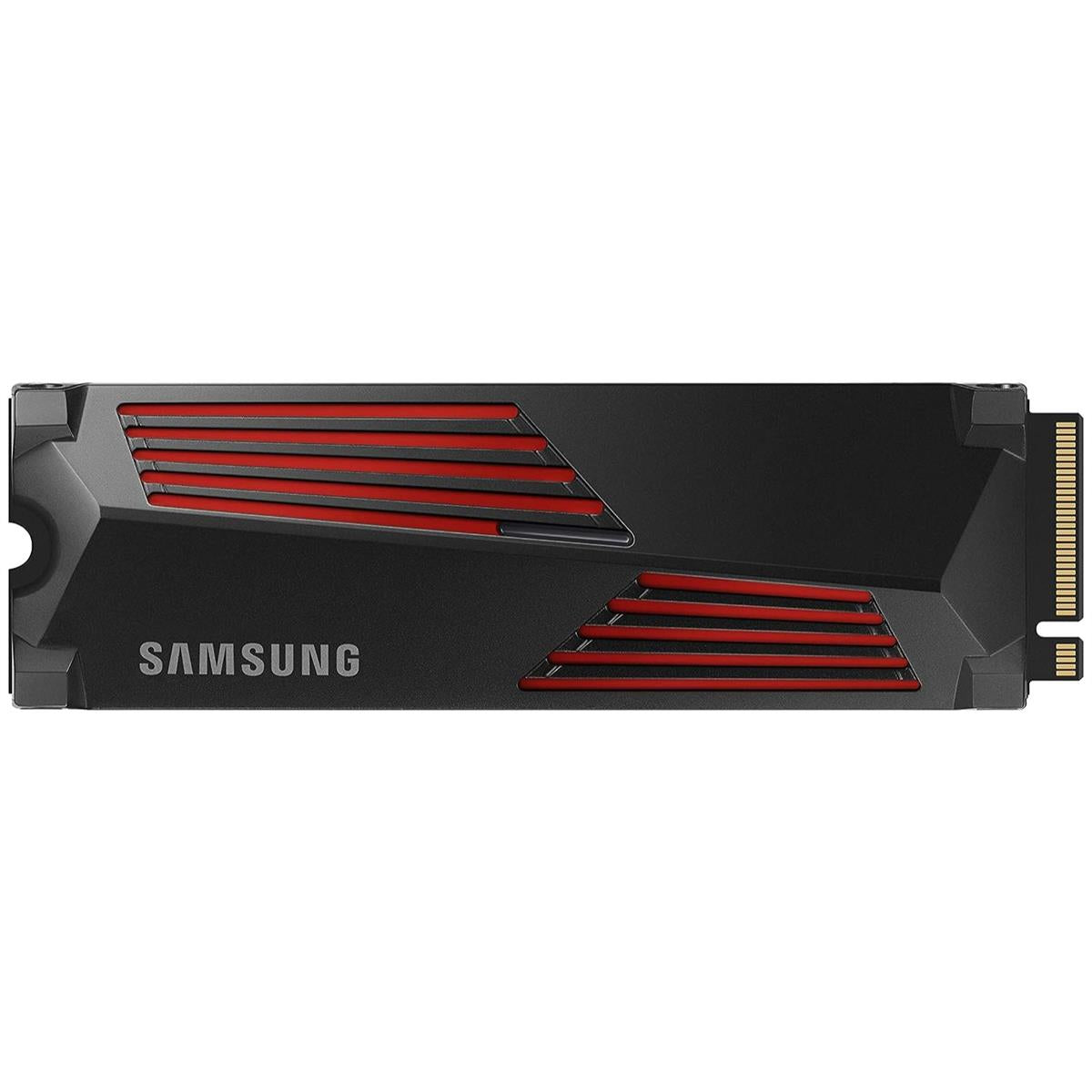
Samsung 990 PRO 1TB


You Might Also Like
This Samsung 990 PRO 1TB NVMe SSD is built for speed, so boots, launches, and loads feel noticeably tighter in daily use. The PCIe Gen 4.0 x4 and NVMe 2.0 foundation keeps latency low, rozana ke kaam mein bhi, and that responsiveness translates into a smoother PC personality. The M.2 (2280) format installs cleanly on modern motherboards, asaani se slot mein baith jata hai, and your build stays neat without extra cables. The Samsung in house controller is designed for controlled behavior under pressure, heat kam rakhne ka focus hota hai, so performance stays stable during real workloads. The Samsung V NAND 3 bit MLC (TLC) approach balances speed and density, meaning storage fast bhi rehta hai and day to day reliability stays practical. This model is positioned for gaming and creative applications, multitasking asaan hoti hai, where fast scratch space and quick asset streaming matter. The 1TB capacity is a smart middle ground for most builds, kafi space mil jati hai, while keeping the upgrade simple and focused for performance
This PCIe Gen 4.0 x4 interface gives the drive full lane access, so your system can actually feed it properly when workloads spike. The NVMe 2.0 protocol keeps command handling efficient, bilkul low latency wali feel aati hai, especially when many small reads happen at once. The M.2 2280 form factor stays widely supported across desktops, laptops, and many motherboard layouts, is liye upgrade planning easy hoti hai for most users. The official positioning covers client PCs and game consoles, matlab aap sirf PC tak limited nahi, and that makes it a versatile storage pick. The controller is listed as Samsung in house on spec pages, aur reviews isay Pascal bhi bolte hain, which signals a tightly integrated platform. This is the kind of upgrade that avoids awkward adapters, asaani se direct fit hota hai, and keeps your build future ready within the Gen4 ecosystem
This 1TB model is rated up to 7,450 MB/s reads, so large game installs and big media libraries shift faster during transfers. This drive is rated up to 6,900 MB/s writes, is liye project exports aur large copies jaldi ho jate hain, and your workflow feels less interrupted. This high end sequential behavior matters most for heavy assets, like 4K footage or big game textures, jahan file sizes bohat bari hoti hain in real life. Samsung’s spec notes also reference Intelligent TurboWrite behavior, yani short burst writes zyada smooth feel dete hain, while overall performance can still vary by system. This is why the 990 PRO feels fast even outside benchmarks, rozana unzip, installs, and updates mein, because many tasks are a mix of big and medium transfers. This spec level headroom also helps when your OS is busy, taake background activity aapko slow na kare, and your foreground work stays responsive. This is a Gen4 flagship class profile, so you get speed that is close to the theoretical Gen4 ceiling without jumping to hotter Gen5 behavior
This 990 PRO 1TB targets fast small file work, so Windows boot steps, app caches, and game shader reads feel more immediate. The rated random performance reaches up to 1,200,000 read IOPS and 1,550,000 write IOPS at 4KB QD32, jis se multitasking bohat stable lagti hai, especially under mixed loads. The 1TB variant includes 1GB LPDDR4 cache memory, matlab mapping aur metadata ka kaam tez hota hai, which can help keep responsiveness consistent. Reviews and databases commonly list the controller as Samsung Pascal, aur yeh in house tuning ka signal deta hai, for predictable platform behavior. The NVMe 2.0 stack also supports modern queue handling, so parallel reads stay organized when many apps pull data together. This is where the drive “feels” fast daily, rozana browser tabs, launchers, and creative tools ek saath chalayen, and the system stays composed. This kind of random performance also supports modern game streaming, so texture pop in pressure kam hota hai when worlds load on the fly
This Samsung 990 PRO platform focuses on efficiency, so sustained performance feels more controlled during long gaming or creation sessions. Samsung states up to 50% improved performance per watt versus the 980 PRO, jis ka matlab heat aur power draw ka balance better rehta hai, while staying in the same PCIe 4.0 class. Samsung also highlights a nickel coating on the controller and Dynamic Thermal Guard for temperature management, taake sudden throttling wali tension kam ho, and performance drops stay less likely. Samsung publishes internal performance per watt figures for the 1TB model, which supports the idea that efficiency is not just a slogan. This matters when your case airflow is average, rozana normal setup hota hai, because storage heat still adds up in tight builds. This is also why pairing it with a motherboard M.2 heatsink is a smart move, taake temperatures smooth rahen, and you keep stable boost behavior. This section is the quiet advantage, because stable storage means stable FPS delivery and fewer background hiccups
This drive is specified for client PCs and game consoles, so the upgrade story works across both desk setups and living room gaming. The M.2 2280 size is one of the common PS5 compatible lengths, is liye physical fit ka masla usually nahi hota, as long as you set the standoff correctly. Sony style PS5 guidance commonly emphasizes PCIe Gen4 x4, at least 5,500 MB/s sequential read, and a heatsink requirement, taake heat build up se issues na hon, during long play sessions. The Samsung 990 PRO is rated up to 7,450 MB/s sequential read, so it clears the recommended speed threshold with comfortable headroom. Thermal guidance for PS5 installs also stresses effective heat dissipation, meaning heatsink lagana bohat zaroori hai, whether built in or aftermarket. Samsung also sells a 990 PRO with an integrated heatsink option for PS5 style installs, agar aap hassle free route chahte hain, while the base model can use your motherboard or third party heatsink. This makes the 1TB version a clean console expansion, so storage bar bar manage karne ki tension kam hoti hai, and game libraries stay ready
This 1TB capacity is the everyday sweet spot, so your OS, key apps, and a healthy game rotation can coexist without constant cleanup. Samsung lists the rated capacity as 1,000GB using decimal measurement, yani usable space thori kam lag sakti hai after formatting, which is normal for SSDs. The M.2 2280 footprint keeps the upgrade minimal, so even compact builds can add fast storage without changing the rest of the system. This capacity works well as a primary drive, rozana boot drive bana ke, because Gen4 speeds keep everything feeling fluid. This capacity also fits as a dedicated game library drive, taake OS drive par pressure na aaye, and update cycles stay less annoying. This size is also friendly for creative scratch use, so caches and proxies stay local for faster previews. The result is less juggling and more momentum, bilkul woh convenience jo daily routine ko easy banati hai, while keeping performance high. This is the balanced choice for most users, because storage upgrades should simplify life rather than add management overhead
This 990 PRO 1TB is rated for 600 TBW endurance, so normal installs, updates, and project writes feel worry free for the long term. This drive also commonly carries a five year limited warranty, jis se peace of mind aati hai, when you want a premium tier SSD that you can keep for years. Samsung lists support for TRIM and S.M.A.R.T monitoring, so health tracking and long term maintenance stays straightforward. Samsung also lists encryption standards like AES 256 bit and TCG/Opal 2.0 with IEEE1667, matlab compliance minded users ko ek formal feature set milta hai, for data protection planning. This matters for laptops and desktops carrying work files, rozana ke backups aur documents ke saath, because storage is where your important data lives. This is not just about peak speed, because dependable endurance keeps the “fast” feeling alive over time. This is how the 1TB model stays a confident primary drive, without making you babysit write totals every week
This drive becomes easier to manage with Samsung Magician, so firmware updates and health checks stay centralized on your system. Samsung hosts Magician downloads and also lists 990 PRO series firmware packages, jis se stability aur compatibility improve karna easy hota hai, when updates are released. Samsung’s support page shows Magician availability across Windows, macOS, and Android, matlab ecosystem support broad rehta hai, even if you switch devices. Common Magician functions include firmware updates, performance benchmarking, and drive health checks, taake aap asaani se dekh sako drive kis haal mein hai, without installing multiple tools. Samsung also publishes firmware notes for the 990 PRO series on its tools page, so you can track what each update is intended to address. This software angle matters for premium SSDs, kyun ke fast hardware ko proper upkeep chahiye, and updated firmware can protect the experience you paid for. This setup also keeps troubleshooting cleaner, so if anything feels off you have official diagnostics ready. This is the low effort way to keep performance stable, without turning maintenance into a weekly project
This Gen4 flagship tier makes practical sense today, because most gaming and productivity gains come from strong Gen4 latency and throughput rather than chasing Gen5 peak numbers. PC focused guidance often calls PCIe 4.0 NVMe a balanced choice, rozana ke gaming aur general use ke liye, since Gen5 can run hotter and cost more for smaller real world gains. The Samsung 990 PRO pushes near the top of PCIe 4.0 sequential performance at up to 7,450 MB/s, so you are already close to the interface’s practical ceiling for consumer workloads. Reviews list it among the fastest Gen4 SSDs, jis se confidence build hota hai, when you want a known high performing platform. This 1TB capacity is also an easy planning unit, kyun ke OS plus key games comfortably fit, and you can expand later without replacing everything. This decision path stays simple, because you upgrade the bottleneck you actually feel, not the spec you rarely touch. This is the kind of storage upgrade that turns a good PC into a snappier one, bilkul without changing your CPU or GPU
Here's how current offers compare across retailers.
Review current prices and specifications side by side.
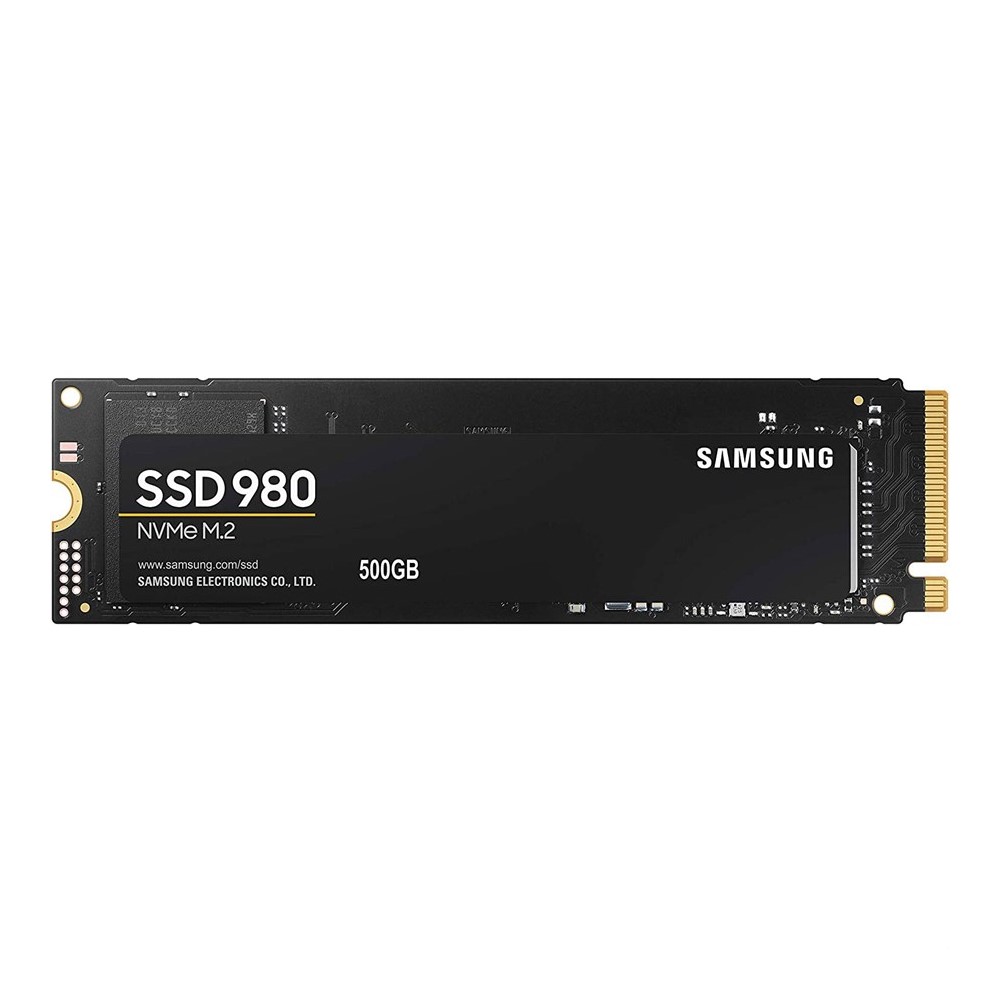
Samsung
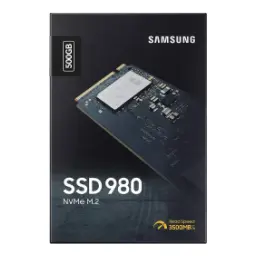
Samsung 980 NVMe M.2 SSD 500GBRs. 29,999
Local price
Lowest current price1 offer
Updated 3 days ago