Price Breakdown & Availability
Here's how current offers compare across retailers.
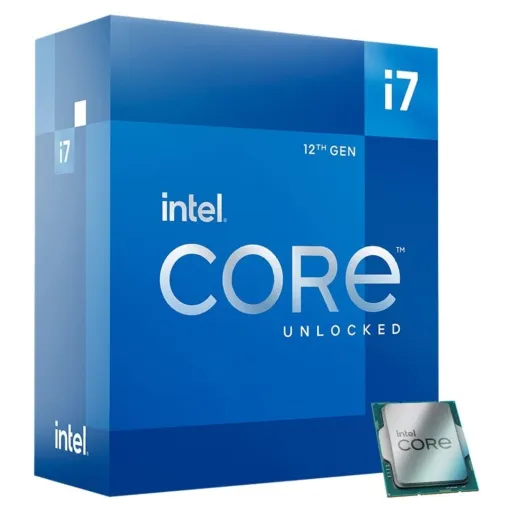
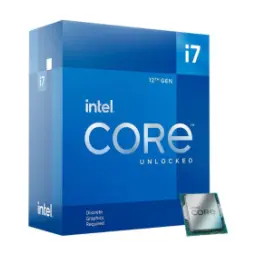
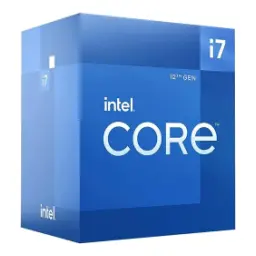
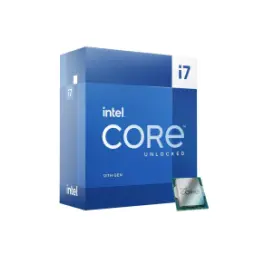
Intel Core i7-12700K Box


You Might Also Like
This boxed Intel Core i7 12700K targets serious desktop builds, jahan rozana speed bhi chahiye aur upgrade flexibility bhi, so your PC feels fast for years instead of months. Intel lists it as a 12th Gen Alder Lake desktop CPU, with 12 total cores and 20 threads, which keeps heavy multitasking comfortable even when background apps zyada khuli hoti hain. The core layout is purpose built for mixed workloads, kyun ke is mein 8 Performance cores aur 4 Efficient cores combine hotay hain for both punchy interaction and efficient background handling. A generous 25 MB Intel Smart Cache helps keep common data closer, jis se game scenes, code builds, aur creative assets zyada smoothly feed hotay hain under real pressure. The LGA1700 platform choice feels practical for builders, kyun ke CPU DDR4 ya DDR5 dono memory types support karta hai depending on the motherboard you select. An integrated Intel UHD Graphics 770 is also present, jo emergency display output, quick diagnostics, aur basic media tasks ke liye kaafi handy hota hai in a new build. Because it is a K series desktop part, the positioning is enthusiast leaning, aur Intel ne unlocked 12th Gen chips ko gaming, creating, aur overclocking workflows ke liye highlight kiya tha. Overall daily responsiveness feels like the main promise here, rozana ke routine mein jab aap switch karte rehte ho between tabs, calls, aur projects, and the system stays composed
The biggest everyday advantage is workload separation, kyun ke 8 P cores demanding foreground tasks ko pull karte hain while 4 E cores background load ko quietly absorb karte rehte hain. Intel describes Efficient cores as strong for parallel work and background offload, jis ka matlab yeh hai ke aap render, compress, ya export ke saath bhi chat, browser, aur music ko smooth rakh sakte ho. Intel Thread Director is a key part of this story, kyun ke hardware level par yeh OS ko guide karta hai so the right thread lands on the right core at the right time. Intel also explains Thread Director as real time monitoring and analysis, jo scheduling ko static rules se zyada smart banata hai when your PC load keeps changing minute to minute. Practical gaming plus productivity feels more stable because threads are plentiful, aur 20 total threads aapko headroom dete hain for streaming, voice chat, captures, and a few background utilities. Tom's Hardware specifically frames the i7 12700K as an 8P+4E, 20 thread chip with 25MB L3, jo hybrid approach ko mainstream desktop buyers ke liye meaningful banata hai in both apps and games. For creators who run multiple tools at once, yeh architecture timeline scrubbing, exports, aur background sync ko zyada predictable banati hai, and you spend less time waiting on the system. For students and home offices, the benefit is simple, rozana ke tasks mein lag kam hota hai and windows switching feels immediate
Fast interaction still depends on high turbo behavior, aur i7 12700K ka advertised max turbo 5.00 GHz hai for those quick bursts that make a PC feel instant. Intel also breaks out the hybrid clocks clearly, jahan Performance core max turbo 4.90 GHz aur Efficient core max turbo 3.80 GHz tak jata hai for balanced scaling under different loads. Base behavior stays grounded for sustained work, kyun ke Performance core base frequency 3.60 GHz aur Efficient core base 2.70 GHz listed hai, so long sessions mein predictable throughput milta hai. Tom's Hardware echoes these core by core frequencies and positions them inside the new hybrid design, jahan single thread snappiness aur multi thread capacity dono ko ek saath push kiya gaya. The real benefit shows up in mixed use moments, jab aap game ke beech mein Discord, browser, aur downloads run kar rahe hotay ho, and the foreground stays responsive. Creative apps also benefit from higher peak clocks, kyun ke UI actions, brush strokes, and timeline jumps often lean on fast single thread bursts. For coding and productivity, yeh turbo headroom incremental lagta nahi, it feels like fewer micro pauses and cleaner flow. In short daily use, the chip feels quick without needing constant tweaking, rozana ke kaam mein stability bhi rehti hai and performance bhi
Platform decisions become easier with clear I/O support, kyun ke i7 12700K LGA1700 socket par aata hai and it fits the mainstream 12th Gen desktop ecosystem. Intel lists memory support up to DDR5 4800 and DDR4 3200, jis ka matlab aap budget friendly DDR4 build bhi bana sakte ho ya newer DDR5 route bhi le sakte ho. Intel also specifies max 128GB memory capacity on this CPU, jo creators aur power users ke liye useful ceiling hai when projects and VMs start eating RAM. Expansion support includes PCIe 5.0 and 4.0, with up to 20 PCIe lanes and common configs like 1x16+4, so a GPU + fast NVMe setup feels straightforward. Tom's Hardware summarizes Alder Lake desktop connectivity as x16 PCIe Gen 5 plus x4 PCIe Gen 4 from the CPU, jo next gen graphics aur storage planning ko simple bana deta hai for most builders. For motherboard families, TechPowerUp lists 600 series desktop chipsets like Z690, H670, B660, and H610 for this CPU, toh aap feature set ke hisaab se board pick kar sakte ho without confusion. This mix of options helps upgrades feel less locked in, kyun ke aap pehle DDR4 par start karke later platform moves plan kar sakte ho, and the CPU still has modern lanes
Smooth performance often comes from feeding cores well, aur i7 12700K ka 25 MB Intel Smart Cache repeated data ko close rakh kar stalls ko reduce karta hai. Intel also lists 12 MB total L2 cache, jo hybrid cores ko additional fast access space deta hai for code, assets, and frequently used instructions. Tom's Hardware highlights the same 25MB L3 and 12MB L2 figures, aur in numbers ka practical point yeh hai ke heavy scenes ya big apps mein data re fetching kam hoti hai. Memory throughput matters when multitasking gets dense, kyun ke Intel lists up to 76.8 GB/s max memory bandwidth on this SKU which supports smoother large file work. In gaming terms, cache depth can help stabilize frametimes, especially jab aap background recording ya browser overlays ke saath play kar rahe hotay ho, and stutter chances reduce hotay hain. In creator terms, cache plus threads make exports and encodes feel less spiky, rozana ke workflow mein peaks aur dips kam hotay hain so you can predict completion better. For office power users, the difference shows as fewer pauses when switching across big spreadsheets, tabs, and video calls. This is not a flashy feature on the box, lekin real use mein yahi cheez system ko refined aur stable banati hai, and that stability feels premium
Integrated graphics can be genuinely useful in builds, kyun ke Intel UHD Graphics 770 aapko instant display output de deti hai for setup, troubleshooting, or a temporary GPU free phase. Intel lists UHD 770 with 32 execution units, and the max dynamic frequency is up to 1.50 GHz, which is plenty for desktop fluidity and multi monitor basics. Output support is clearly spelled out as eDP 1.4b, DisplayPort 1.4a, and HDMI 2.1, so display connectivity planning asaan ho jati hai when you are picking a motherboard with the right ports. Intel also states up to four displays supported, jo productivity setups mein bohat practical hota hai if you run a main monitor plus side screens. Quick Sync Video is supported on this SKU, which helps certain video workflows accelerate, aur light content creation mein export times better feel hotay hain when software uses Intel's media blocks. The practical value is also peace of mind, kyun ke agar discrete GPU troubleshooting ho to system phir bhi boot, display, aur updates handle kar leta hai. For home labs and office rigs, yeh iGPU remote support aur diagnostics ko simple rakhta hai, and it can reduce downtime when parts are being swapped
Power behavior matters because it shapes sustained performance, aur i7 12700K ka Processor Base Power 125 W listed hai which signals it is a high performance desktop part. Intel also specifies Maximum Turbo Power up to 190 W, so long boosts ke liye aapko motherboard settings aur cooler selection ko sensible rakhna chahiye. Thermal headroom is defined with a 100°C Tjunction value, jo practical terms mein yeh kehta hai ke good airflow aur quality cooling se performance bohat stable rehti hai. Many boxed listings clearly note no thermal solution included, is liye aapko separate cooler plan karna hota hai and that choice directly affects noise and boost consistency. Tuning headroom exists because this is an unlocked K chip, lekin sensible voltage and cooling ke baghair heat spikes aapki long session comfort ko impact kar sakti hain, and stability should stay the priority. Intel's boxed warranty terms also warn that altering clock frequency or voltage may void warranty, so overclocking ko bilkul informed way mein treat karein rather than random settings. With the right cooler and airflow, the chip feels composed under pressure, rozana gaming marathons ya long renders mein, and you get performance that does not wobble
Retail buyers often prefer boxed processors for clarity, kyun ke Intel boxed CPUs typically come with a limited warranty that Intel can fulfill, giving you a cleaner support path. Intel states that boxed processors generally carry a three year limited warranty, jo peace of mind add karta hai when you are investing in a performance focused CPU for daily work. Intel also confirms you do not need to register the processor, so warranty process simple rehta hai as long as purchase details and box identifiers are available. Many retailers list the i7 12700K boxed unit with a limited 3 year manufacturer warranty, jo buyer expectation ko align karta hai for a genuine retail package. Intel's warranty documentation distinguishes boxed versus tray sourcing, is liye boxed packaging ka benefit yeh hota hai ke aap OEM style warranty confusion se bach jate ho. What you should still plan for is a separate cooler, kyun ke K series boxed packages commonly ship without a thermal solution and cooling choice becomes part of the build quality. This packaging type is basically about buying confidence, bilkul seedha and verifiable, and it fits builders who want authentic parts and clean documentation
This processor makes the most sense for mixed users, jo gaming ke saath streaming, editing, ya coding bhi karte hain and they need a CPU that stays responsive under overlap. Tom's Hardware shows the i7 12700K competing strongly in threaded workloads while keeping modern platform support, is liye yeh chip creators aur enthusiasts ke liye ek practical middle high tier choice ban jati hai. Platform flexibility is a core reason to choose it, kyun ke DDR4 3200 ya DDR5 4800 support aapko budget aur upgrade strategy dono ke hisaab se build plan karne deta hai without forcing one path. Expansion stays relevant for modern GPUs and storage, kyun ke PCIe 5.0 and 4.0 support with up to 20 CPU lanes lets a high end graphics card and fast NVMe coexist cleanly. If you are building around 600 series motherboards, TechPowerUp lists common chipset compatibility like Z690, H670, B660, and H610, so choosing boards across feature tiers stays straightforward. Recent mainstream buying guides still mention the i7 12700K as a viable pick for certain builders, jo indicate karta hai ke is generation ka performance headroom ab bhi kaafi usable hai for the right socket and platform needs. The final decision becomes simple when you define your use, rozana smooth multitasking chahiye, strong gaming plus creation output chahiye, and a stable boxed warranty backed CPU matters more than chasing the newest label
Here's how current offers compare across retailers.
Review current prices and specifications side by side.
 Current
Intel
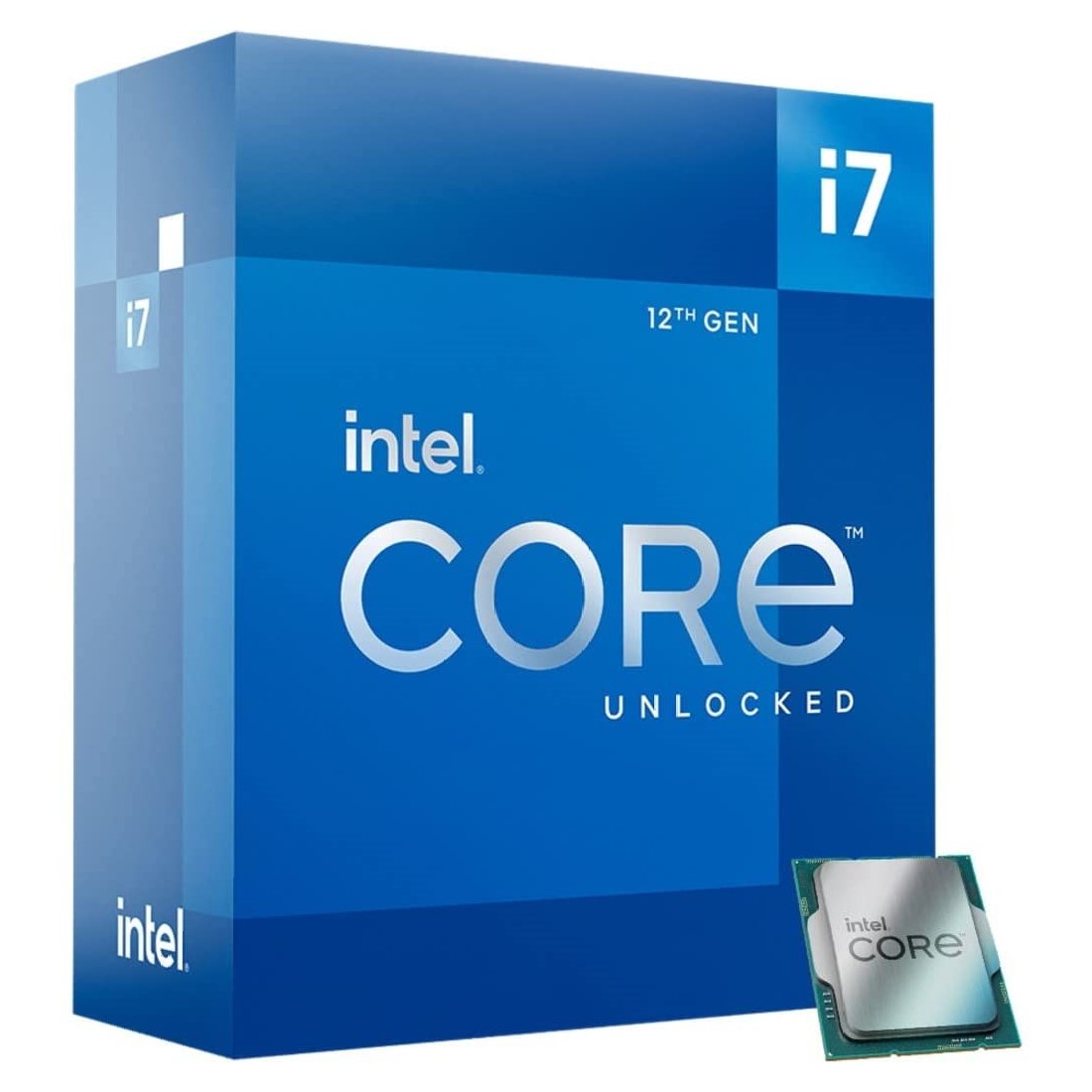
Intel Core i7-12700K BoxRs. 79,999
Local price
Lowest current price4 offers
Updated 1 day ago