





Price Breakdown & Availability
Here's how current offers compare across retailers.

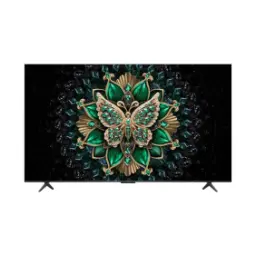
TCL LED 55 inches 4K UHD TV 55P6K Google TV ON INSTALLMENTS-UE002
Seller: Umar Electronics
Updated 1 day ago
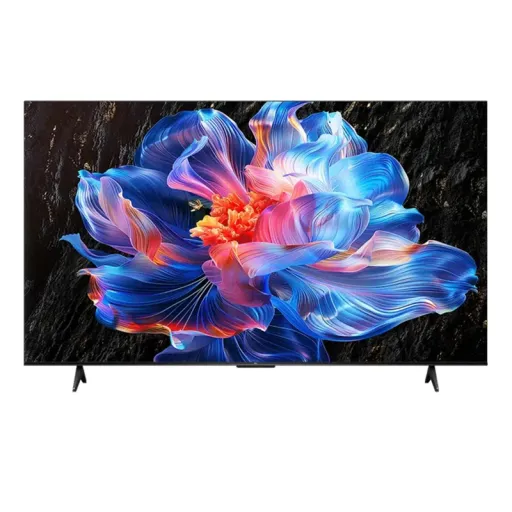
TCL LED 55 inches 4K UHD TV 55P6K Google TV ON INSTALLMENTS-UE002
Seller: Umar Electronics
Updated 1 day ago
Rs. 116,799
TCL 55 INCH SMART & 4K HDR TV Model 55P6K ON INSTALLMENTS With Free Home Delivery
Seller: MZ Electonics
Updated 1 day ago
TCL 55 INCH SMART & 4K HDR TV Model 55P6K ON INSTALLMENTS With Free Home Delivery
Seller: MZ Electonics
Updated 1 day ago
Rs. 116,900
TCL 55 inches 4K UHD TV 55" P6K Google TV With Dolby Audio - ET
Seller: Ezzi traders
Updated 1 day ago
TCL 55 inches 4K UHD TV 55" P6K Google TV With Dolby Audio - ET
Seller: Ezzi traders
Updated 1 day ago
Rs. 120,437
Tcl 55 Inch Smart & 4K Hdr Tv Led Model 55P6K (Free Home Delivery)
Seller: MZ Electonics
Updated 1 day ago
Tcl 55 Inch Smart & 4K Hdr Tv Led Model 55P6K (Free Home Delivery)
Seller: MZ Electonics
Updated 1 day ago
Rs. 137,900
TCL LED 55 INCH SMART & 4K HDR TV LED Model 55P6K
Seller: Ayaz Enterprises
Updated 1 day ago
TCL LED 55 INCH SMART & 4K HDR TV LED Model 55P6K
Seller: Ayaz Enterprises
Updated 1 day ago
Rs. 139,788
TCL LED 55 INCH SMART & 4K HDR TV LED Model 55P6K
Seller: Ayaz Enterprises
Updated 1 day ago
TCL LED 55 INCH SMART & 4K HDR TV LED Model 55P6K
Seller: Ayaz Enterprises
Updated 1 day ago
Rs. 139,788
TCL LED 55 INCH SMART & 4K HDR TV LED Model 55P6K
Seller: Ayaz Enterprises
Updated 1 day ago
TCL LED 55 INCH SMART & 4K HDR TV LED Model 55P6K
Seller: Ayaz Enterprises
Updated 1 day ago
Rs. 139,788
TCL 55 INCH SMART & 4K HDR TV LED Model 55P6K On Installments
Seller: Shah Electronics
Updated 1 day ago
TCL 55 INCH SMART & 4K HDR TV LED Model 55P6K On Installments
Seller: Shah Electronics
Updated 1 day ago
Rs. 140,491
Tcl 55 Inch Smart & 4K Hdr Tv Led Model 55P6K On Installments
Seller: Ahmed Enterprises
Updated 1 day ago
Tcl 55 Inch Smart & 4K Hdr Tv Led Model 55P6K On Installments
Seller: Ahmed Enterprises
Updated 1 day ago
Rs. 140,900
TCL Model 65P6K 4K LED TV Brand Warranty Available TCL ON INSTALLMENTS_UE002
Seller: Umar Electronics
Updated 1 day ago
TCL Model 65P6K 4K LED TV Brand Warranty Available TCL ON INSTALLMENTS_UE002
Seller: Umar Electronics
Updated 1 day ago
Rs. 183,999
TCL LED 65 Inch 4K UHD TV 65P6K Google TV With Dolby Audio (0% Markup) - ET
Seller: Ezzi traders
Updated 1 day ago
TCL LED 65 Inch 4K UHD TV 65P6K Google TV With Dolby Audio (0% Markup) - ET
Seller: Ezzi traders
Updated 1 day ago
Rs. 199,161
TCL LED 65 Inch 4K UHD TV 65P6K Google TV With Dolby Audio (0% markup) - ET
Seller: Ezzi traders
Updated 1 day ago
TCL LED 65 Inch 4K UHD TV 65P6K Google TV With Dolby Audio (0% markup) - ET
Seller: Ezzi traders
Updated 1 day ago
Rs. 199,161
Tcl 65 Inch Smart & 4K Uhd Google Tv Led Model 65P6K (Free Home Delivery)
Seller: MZ Electonics
Updated 1 day ago
Tcl 65 Inch Smart & 4K Uhd Google Tv Led Model 65P6K (Free Home Delivery)
Seller: MZ Electonics
Updated 1 day ago
Rs. 211,400
Tcl 65 Inch Smart & 4K Uhd Google Tv Led Model 65P6K (Free Home Delivery)
Seller: MZ Electonics
Updated 1 day ago
Tcl 65 Inch Smart & 4K Uhd Google Tv Led Model 65P6K (Free Home Delivery)
Seller: MZ Electonics
Updated 1 day ago
Rs. 211,400
Tcl 65P6K Smart, 4K Google Uhd Led TV (65" Inches)
Seller: MTech Trader
Updated 1 day ago
Tcl 65P6K Smart, 4K Google Uhd Led TV (65" Inches)
Seller: MTech Trader
Updated 1 day ago
Rs. 213,900
TCL LED 65 INCH SMART & 4K UHD GOOGLE TV LED Model 65P6K
Seller: Ayaz Enterprises
Updated 1 day ago
TCL LED 65 INCH SMART & 4K UHD GOOGLE TV LED Model 65P6K
Seller: Ayaz Enterprises
Updated 1 day ago
Rs. 214,828
TCL LED 65 INCH SMART & 4K UHD GOOGLE TV LED Model 65P6K
Seller: Ayaz Enterprises
Updated 1 day ago
TCL LED 65 INCH SMART & 4K UHD GOOGLE TV LED Model 65P6K
Seller: Ayaz Enterprises
Updated 1 day ago
Rs. 214,828
TCL LED 65 INCH SMART & 4K UHD GOOGLE TV LED Model 65P6K
Seller: Ayaz Enterprises
Updated 1 day ago
TCL LED 65 INCH SMART & 4K UHD GOOGLE TV LED Model 65P6K
Seller: Ayaz Enterprises
Updated 1 day ago
Rs. 214,828
TCL 65 INCH SMART & 4K UHD GOOGLE TV LED Model 65P6K On Installments
Seller: Shah Electronics
Updated 1 day ago
TCL 65 INCH SMART & 4K UHD GOOGLE TV LED Model 65P6K On Installments
Seller: Shah Electronics
Updated 1 day ago
Rs. 215,391
Tcl 65 Inch Smart & 4K Uhd Google Tv Led Model 65P6K On Installments
Seller: Ahmed Enterprises
Updated 1 day ago
Tcl 65 Inch Smart & 4K Uhd Google Tv Led Model 65P6K On Installments
Seller: Ahmed Enterprises
Updated 1 day ago
Rs. 215,950
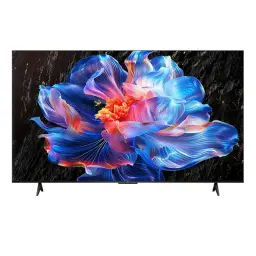
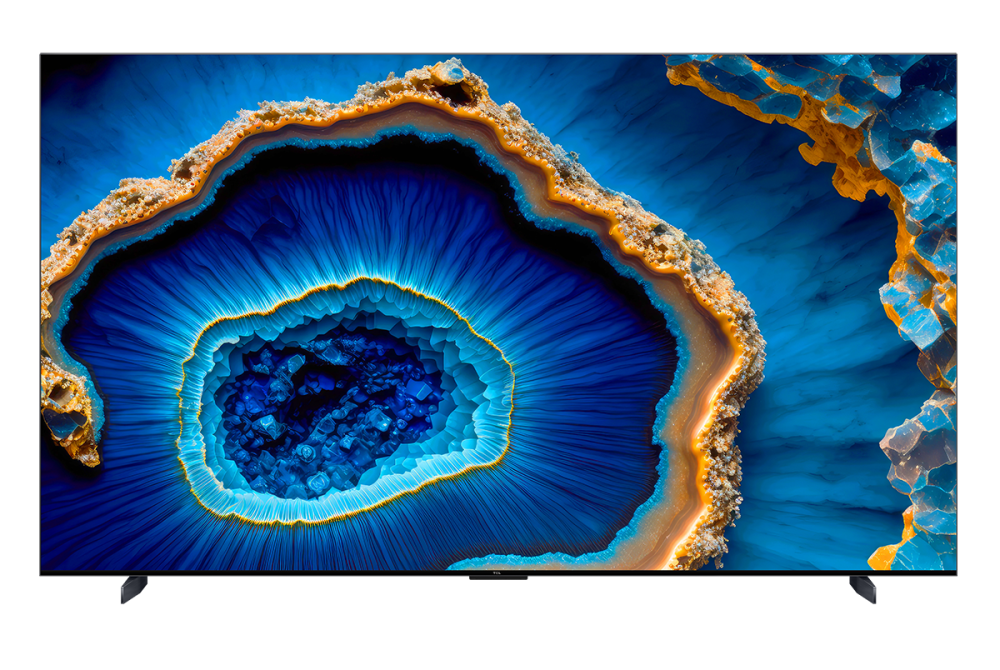
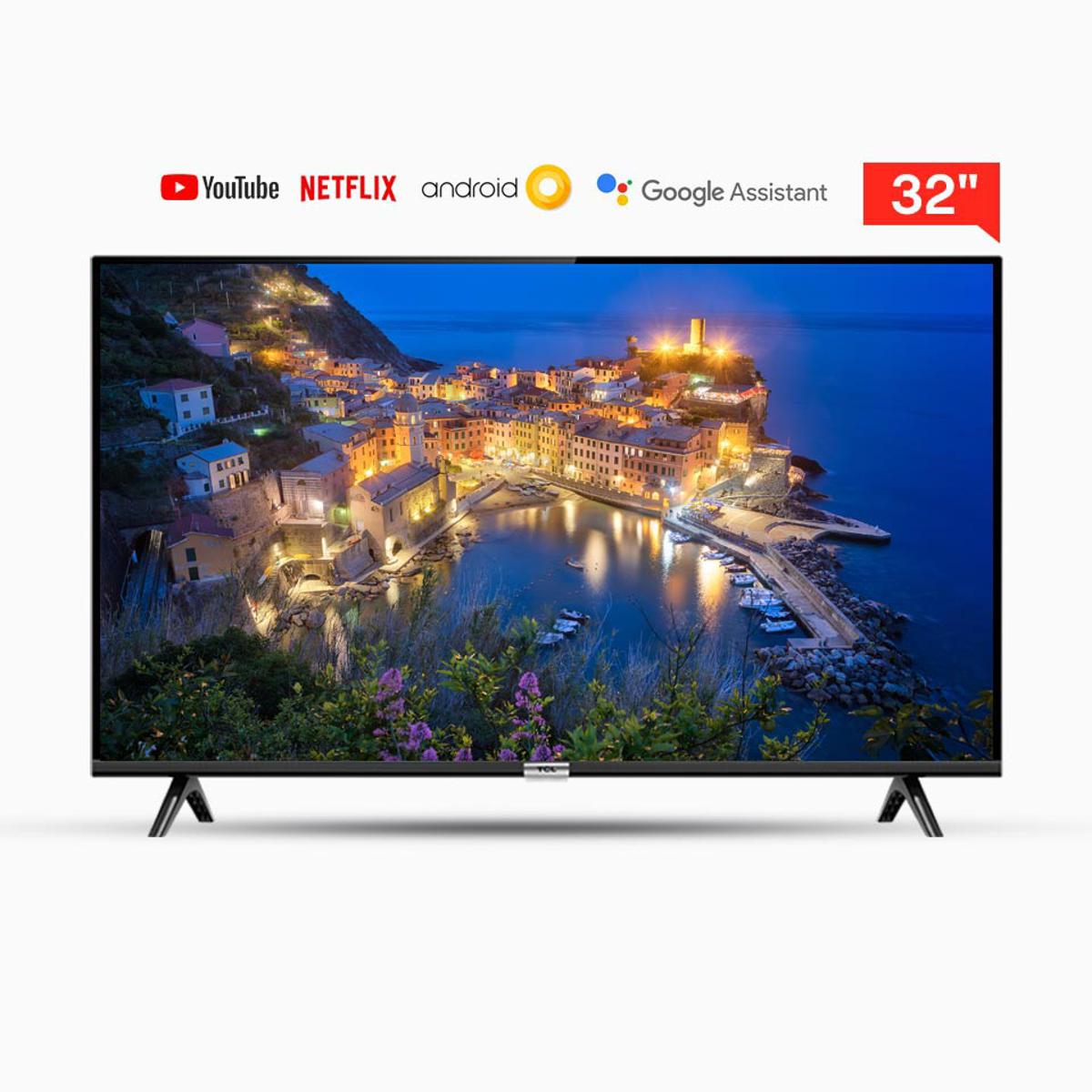
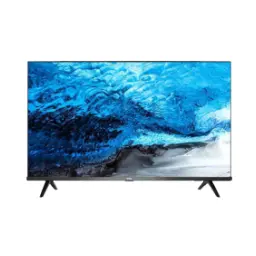
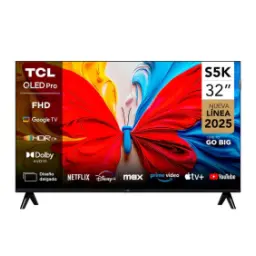
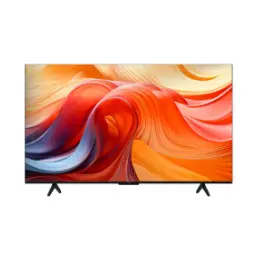
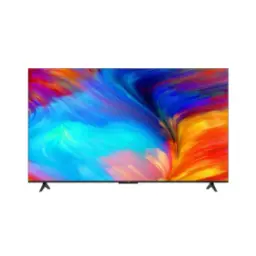
TCL P6K 4K LED Google TV


You Might Also Like
Bring home a modern 4K LED TV experience with TCL P6K, a series that focuses on practical upgrades for daily viewing, family time, and weekend movie nights. Enjoy true 4K UHD resolution at 3840 x 2160, so even regular streaming looks sharper and textures feel more defined on a big panel. Choose a screen that stays comfortable in real rooms because the P6K is built around an HVA (LCD) panel approach, jo contrast ko strong rakhta hai aur blacks zyada grounded lagte hain, instead of looking washed out. Keep lighting and uniformity more consistent with Direct LED / DLED style backlighting on listed variants, which helps the image feel evenly lit for casual viewing. Rely on a native 60Hz refresh rate for everyday sports, news tickers, and normal console play, jahan smoothness ka base level bilkul stable rehta hai. Get a smarter interface out of the box because P6K runs Google TV, so apps, recommendations, and search stay organized instead of feeling messy. Feel the difference in day to day use when picture processing, motion tools, and smart features are tuned for convenience, taake aap remote ke sath zyada fight na karein and the TV just fits your routine
See more real detail in landscapes and faces because 4K UHD gives you 3840 x 2160 pixels to work with, which makes fine texture look more natural at typical sofa distance. Keep HDR content looking more dimensional because TCL markets P6K with 4K UHD plus HDR support, so bright scenes and darker corners carry more separation than basic SDR. Get HDR10 compatibility as part of the core experience, jo mainstream streaming par widely used format hai, and it helps scenes feel less flat. Expect regional HDR variations because some official spec listings mention HDR10+ for P6K, which is a dynamic metadata HDR approach that can optimize tone mapping scene by scene. Avoid the “too sharp” look by focusing on balanced clarity, kyun ke better processing can improve perceived detail without turning edges into halos. Enjoy a more consistent picture when your content jumps between YouTube, cable style channels, and streaming apps, aur har jagah color aur contrast ka feel zyada disciplined rehta hai. Build your setup with confidence by remembering that HDR performance depends on content, room lighting, and settings, so a quick picture mode tweak can unlock a more premium look
Anchor your picture quality in panel fundamentals because the TCL P6K line highlights an HVA panel for stronger contrast and clearer detail. Understand the advantage more clearly when HVA is described as TCL CSOT’s vertical alignment family (PSVA based) technology, jo VA style strengths ko refine karke brightness, contrast, aur response ko improve karne ka aim rakhti hai. Enjoy family friendly seating flexibility because TCL also positions HVA around wide viewing comfort, so side seating par colors zyada stable rehne ki expectation hoti hai. Keep backlight behavior more predictable with Direct LED / DLED backlighting as listed on P6K variants, which supports an evenly lit feel for everyday channels and long binge sessions. Notice better perceived depth in darker scenes because higher native contrast panels tend to keep shadows from turning grey, especially when your room lights are dim. Reduce distracting “screen glow” vibes by pairing the TV with sensible brightness settings, jisse black levels zyada composed lagte hain and the image feels calmer. Rely on the P6K identity as a balanced 4K LED Google TV rather than an extreme brightness flagship, which makes it a practical pick for mixed content and daily viewing
Upgrade how non 4K content looks because TCL’s AiPQ Processor is designed to make pixel level adjustments for an overall cleaner picture. Keep older content watchable as Ai Clarity is positioned for resolution aware analysis, noise reduction, aur low resolution upscaling ko zyada presentable banane ke liye. Enjoy richer but controlled tones because Ai Color is described as tuning color volume, saturation, and contrast to create more lifelike hues. Protect highlight and shadow detail in HDR scenes because Ai HDR is marketed to decode multiple HDR formats and keep creator intent closer to what you see. Maintain scene to scene balance with Ai Contrast, jo different brightness scenarios mein dynamic contrast tuning ko support karta hai, so the image feels less uneven. Add extra vibrancy when you want it because Dynamic Color Enhancement is TCL’s own approach to automatically optimizing color vibrancy beyond a basic palette. Avoid cartoonish oversaturation by choosing the right mode for your content, kyun ke processing ka best use tab hota hai jab aap natural settings se start karte hain and then fine tune gently
Stay realistic about motion performance because the TCL P6K is specified at a 60Hz refresh rate, which is the baseline many mainstream 4K TVs use for daily viewing. Make fast content feel smoother by using MEMC when appropriate, kyun ke TCL lists MEMC as a supported feature for the P6K series. Keep sports pans and action scenes more readable when MEMC is tuned thoughtfully, so ball tracking and camera sweeps feel less jittery in typical broadcasts. Prefer a cinematic look for movies by reducing motion interpolation, jahan aap 24fps film ke natural motion ko preserve kar sakte hain while still enjoying 4K detail. Balance smoothness and artifacts by treating motion tools as optional controls, not permanent defaults, because different content types behave differently on LCD panels. Expect a familiar “smooth scrolling” feel in menus and apps because 60Hz is steady for UI motion, aur day to day browsing bilkul theek rehta hai for most households. Get a better overall result by matching picture mode to your activity (sports vs movies vs gaming), so motion and clarity work together instead of fighting each other
Hear dialogue more cleanly in everyday viewing because TCL positions Dolby Audio on P6K as a way to deliver clearer, crisper speech and enhanced detail. Keep the sound experience more immersive for movies and sports, jahan commentary aur crowd noise ka separation zyada enjoyable lagta hai, even without a full surround setup. Understand the ecosystem behind the branding because Dolby’s formats like Dolby Digital Plus are designed to carry higher fidelity multi channel audio experiences across devices, including TVs. Build a simple upgrade path by starting with built in speakers and adding a soundbar later, kyun ke Dolby oriented content support usually pairs well with external audio gear for more scale. Avoid muddy midrange by using the TV’s sound modes intelligently, so news, dramas, and YouTube stay understandable at normal volume. Enjoy a cleaner living room setup when the TV can already deliver a respectable baseline experience, aur aapko immediate extra boxes ki zarurat feel nahi hoti for casual listening
Stop jumping between apps all evening because Google TV is designed to bring together what you stream on one screen for easier discovery. Find your next show faster with recommendations that respond to your viewing interests, aur yeh “just for you” style discovery TCL P6K pages par bhi highlight ki gayi hai. Keep everyone’s taste separate with personal profiles, so each family member gets their own recommendations and watchlist without mixing preferences. Save content for later with a watchlist that can be updated from your TV, phone, or Google Search, jisse “kya dekhein” wali confusion kam hoti hai in busy routines. Access a large app ecosystem through Google TV’s app availability, which supports the familiar streaming workflow people expect from a modern smart platform. Plan setup realistically because TCL notes that smart features require a Google Account and a reliable internet connection, so signing in properly helps everything run smoothly. Keep the experience family friendly by using kids focused spaces and controls where available, taake content browsing parent worry free feel kare and daily usage stays simple
Control more with fewer clicks because TCL highlights voice control on P6K, letting you ask for things like weather and more right on the screen. Share content instantly from your phone because TCL also promotes Chromecast style casting on P6K, jo family photos, YouTube clips, aur quick links ko big screen par lana asaan banata hai. Follow a familiar casting method using Google Cast enabled apps, where both your phone and TV stay on the same Wi Fi network for discovery and playback control. Enjoy the broader idea behind Chromecast built in because it is designed to stream via the cloud, keep your phone usable while content plays, aur multi user casting ko support kar sakta hai for shared viewing. Reduce gaming input delay expectations with HDMI 2.1 positioning on P6K, since TCL frames it around lower latency and automatic gaming picture behavior. Keep your setup tidy by leaning on built in smart features first, phir agar future mein zarurat ho to consoles, soundbars, aur streaming boxes add karna straightforward rehta hai. Confirm port and feature availability for your exact size because TCL notes specs and certifications can vary by model and region, so checking your local listing avoids surprises
Choose a TV that feels modern without complexity because TCL P6K blends 4K UHD clarity with a mainstream 60Hz platform that fits normal living room habits. Keep apps and browsing responsive with the listed 16G ROM + 2G RAM storage configuration on the P6K product pages, jo basic multitasking aur smooth navigation ke liye helpful headroom deta hai. Enjoy a cleaner screen presence with bezel less design language in the P6K lineup, so the image feels more “all screen” during movies and sports. Rely on a practical picture foundation through HVA panel positioning and Direct LED / DLED backlighting on listed variants, jisse contrast aur uniformity ka everyday experience zyada composed lagta hai. Get a TV that stays friendly for families because kids profile options are explicitly highlighted, helping you keep content safer without extra devices. Decide confidently by focusing on the benefits that matter most (4K detail, Google TV convenience, Dolby Audio tuning), kyun ke yeh trio daily use mein immediately feel hota hai without needing technical tweaking. Confirm your exact regional spec sheet before purchase because TCL explicitly notes features and specs vary by screen size and region, so you get the ports and formats you expect
Here's how current offers compare across retailers.
Review current prices and specifications side by side.