
Price Breakdown & Availability
Here's how current offers compare across retailers.

GIGABYTE GeForce RTX 2060

You Might Also Like
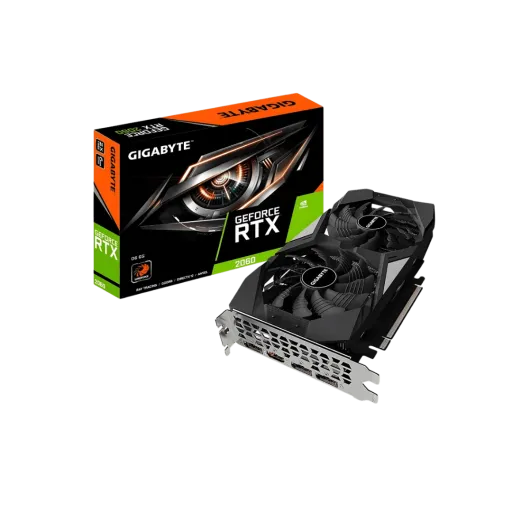
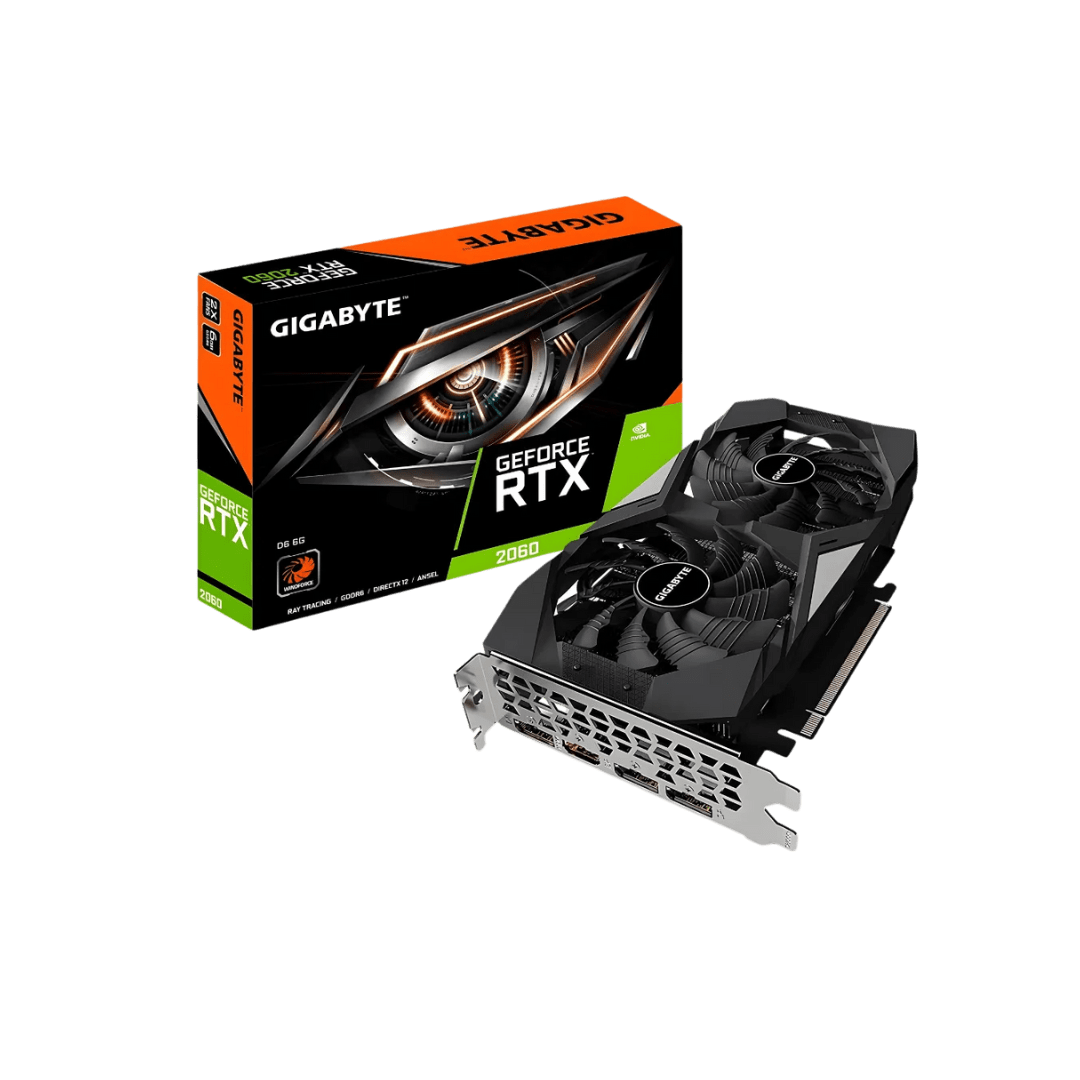
This GIGABYTE GeForce RTX 2060 targets balanced gaming PCs with modern features. Built around the TU106 GPU model, yeh card aapko Turing generation ka platform deta hai for reliable everyday performance. The core configuration centers on 1,920 CUDA cores, jis ka matlab hai 1080p gaming mein smooth frame delivery and responsive controls. The 12 nm manufacturing process keeps the efficiency profile sensible, so heat kam rehta hai jab sessions lambi ho jayein. The Turing architecture also brings RT Cores and Tensor Cores into the mainstream tier, jahan pe pehle sirf traditional raster power milti thi. GDDR6 memory support helps keep assets moving quickly, rozana ke gameplay mein texture pop in aur micro stutters ka chance kam hota hai. The overall identity feels like a “complete GPU package” because visuals and performance evolve together. Partner cards from GIGABYTE also mean you can find variants tuned for different cases and airflow, asaani se apni build style match ho jati hai. The result is a GPU that makes older systems feel refreshed without turning power and cooling into daily maintenance
The Turing architecture changes how lighting effects can be delivered in games. Dedicated RT Cores accelerate ray tracing calculations, jis se reflections aur shadows zyada natural feel karte hain without relying only on raster tricks. The RTX 2060 configuration is commonly described with 30 RT Cores, so ray traced effects can be explored without jumping to a high end card. Real time ray tracing is still a workload you tune, lekin base capability hardware level par available hoti hai which keeps your options open. The bigger win is flexibility, because you can mix raster settings with selective RTX effects for stable frame pacing. Gaming visuals often look cleaner when light behaves consistently, aur scene depth zyada believable lagti hai in story driven titles. The Turing SM design also supports modern compute heavy pipelines more efficiently, so newer engines can scale better with the architecture. This is why RTX 2060 is remembered as the entry point where RTX features became usable, not just a checkbox
The 1,920 CUDA core layout is the foundation for consistent raster performance. Everyday competitive titles benefit from steady frame delivery, rozana ke matches mein input feel zyada tight rehta hai when the GPU is not spiking. The reference class boost clock is commonly listed around 1.68 GHz, which helps keep short bursts snappy during fast scene changes. The TU106 platform also pairs with a sensible power target, so performance stays stable rather than swinging wildly under load. Game settings become easier to manage because you can prioritize what you feel most, like shadows, textures, and anti aliasing, phir baaqi sliders ko apne FPS target ke mutabiq adjust kar lein. The RTX 2060 is also positioned as a meaningful step over older midrange cards, with NVIDIA explicitly framing it as faster than GTX 1060 class hardware in many current titles. That positioning matters for buyers who want “noticeable upgrade,” sirf minor uplift nahi, especially when moving into newer DX12 era game workloads. The net experience is smooth gaming that feels controlled, because you can tune quality and responsiveness without fighting the GPU
GDDR6 memory is one of the practical strengths of this generation. The standard RTX 2060 configuration is widely documented with 6GB of GDDR6 on a 192 bit bus, jo mainstream gaming mein textures aur game assets ko comfortably handle karta hai. The memory speed is commonly listed at 14 Gbps, which translates into 336 GB/s bandwidth for the reference setup. Higher bandwidth helps reduce “waiting on textures,” asaani se fast camera turns aur quick respawns mein image zyada stable rehti hai. The 12 nm process used for TU106 supports a solid balance of power and performance, so thermals remain manageable for long evening sessions. The board level experience still depends on the specific GIGABYTE variant, lekin base silicon ke numbers aapko predictable behavior ka idea dete hain. Bandwidth also supports smoother high bitrate capture workflows, which pairs nicely with NVENC for creators who multitask while gaming. This is why GDDR6 on RTX 2060 feels like a quality of life upgrade, not just a spec line
Tensor Cores are the hidden advantage when you want higher frame rates. NVIDIA describes the RTX 2060 with 240 Tensor Cores and highlights DLSS as a way to improve performance while keeping the final image crisp. DLSS works by leveraging a deep neural network to reconstruct detail across frames, jo practical terms mein sharper output aur smoother motion ka feel de sakta hai at the same time. The benefit becomes obvious when ray tracing is enabled, because DLSS can help recover performance headroom that RTX effects consume. You get more room to push visuals without dropping into a choppy experience, aur yahi cheez gaming ko premium feel deti hai. NVIDIA also frames the RTX 2060 as having the same AI and ray tracing technology stack as higher RTX 20 series cards, which keeps feature parity strong within the family. The practical outcome is choice, because you can pick higher settings where they matter and use AI upscaling where it’s smartest. For gamers who care about smoothness first, DLSS becomes a tool that supports stable performance rather than forcing constant compromises. This is the “smart performance” side of RTX 2060, jahan pe raw power ke sath AI leverage bhi milta hai
Turing also improves the creator side experience through its video engines. NVIDIA notes that Turing brings substantially improved quality for H.264 and HEVC encoding through NVENC, jo streamers ke liye CPU load ko kaafi reduce kar sakta hai during gameplay. Better hardware encoding quality means your stream can look cleaner at the same bitrate, and your game stays responsive. Turing’s NVENC is also discussed with bitrate savings for HEVC and H.264 in NVIDIA’s technical notes, which helps when upload speeds are limited. Many RTX 2060 partner listings call out support for the Turing NVENC encoder, making it a practical choice for casual recording and highlight capture. The real benefit shows up during multitasking, kyun ke background encoding stable rahe to frametime spikes kam hotay hain. A GPU that can game and encode simultaneously reduces “one more thing to tweak” in your setup. You can focus on scenes, overlays, and mic quality, aur GPU side par encoding ka kaam smooth chalne do. This is especially useful for people who want to learn streaming without upgrading the whole system platform. For hybrid users, NVENC makes the RTX 2060 feel like a productivity tool, not just a gaming part
GIGABYTE RTX 2060 cards often come in multiple trims and revisions. For example, GIGABYTE’s GeForce RTX 2060 GAMING OC PRO 6G lists a 1,830 MHz core clock and keeps the 1,920 CUDA core configuration intact. That type of factory tuning gives you extra headroom out of the box, bina manual overclock ke, so the experience can feel snappier in boost heavy moments. Independent coverage of the same card family also repeats key figures like 1,920 CUDA cores and a 192 bit memory bus with 336 GB/s bandwidth. Port layouts are another day to day win, because multiple DisplayPort outputs make multi monitor setups easy for work plus play. GIGABYTE’s official spec page for that model lists three DisplayPort 1.4 and one HDMI 2.0b, jo modern monitors aur TVs ke sath simple compatibility deta hai. The key is choosing the exact variant that matches your case clearance and display needs, asaani se build planning ho jati hai when you check dimensions and connectors first. Review tables also confirm the RTX 2060’s core architecture identity as Turing TU106, which keeps driver features and RTX options consistent across partners. This is where buying “GIGABYTE RTX 2060” becomes a tailored decision, because you’re selecting the board experience around a known good GPU core
The RTX 2060 was designed to bring RTX features into a wider audience. NVIDIA explicitly introduced it as a Turing based card with ray tracing and AI capabilities, framing it as a major jump over popular GTX era options like the GTX 1060. That framing is important if you want both performance and feature access, kyun ke RTX effects aur DLSS dono ek hi platform par milte hain. NVIDIA’s partner roundup also emphasizes the same core makeup of 1,920 CUDA cores, 30 RT Cores, and 240 Tensor Cores as the baseline RTX 2060 story. AnandTech’s spec comparison similarly lists RTX 2060 with 1,920 CUDA cores, TU106, and TSMC 12nm “FFN,” giving buyers an easy way to place it against older Pascal cards. The real world value today is often about balance, because you get modern APIs, RTX capability, and a mature ecosystem in a single slot. You can build a clean 1080p focused system that feels responsive, aur phir DLSS ko use karke demanding scenes mein extra breathing room le sakte hain. The choice becomes especially sensible when you prioritize stability and feature coverage over chasing the newest tier every cycle. This is the kind of upgrade that modernizes your experience, while keeping the rest of your PC choices flexible
A smart RTX 2060 purchase starts with practical fit checks. Reference level documentation lists RTX 2060 around a 160W TDP with a single 8 pin power connector on common designs, so power planning stays straightforward for most builds. Many listings also suggest a 450W class PSU as a baseline, which helps keep transient loads stable and avoids random shutdown tension. Specific GIGABYTE models may recommend higher, and the GAMING OC PRO 6G page lists a 500W recommended PSU, jo builders ko extra headroom de deta hai for real world usage. The key performance expectation is smooth 1080p gaming with RTX and DLSS options available, rather than assuming every ray traced setting can be maxed without tuning. Core identity remains consistent because the classic RTX 2060 uses TU106 on TSMC 12nm with 1,920 CUDA cores, which keeps driver features aligned with the RTX 20 series platform. If you want a GPU that feels modern in features and still practical in power and thermals, yeh card ek sensible, upgrade worthy choice ban jata hai. The best final step is confirming the exact GIGABYTE SKU for ports, dimensions, and factory clock, so the card fits your case and display plan perfectly
Here's how current offers compare across retailers.
Review current prices and specifications side by side.
 Current
Gigabyte
GIGABYTE GeForce RTX 2060From Rs. 56,990
Local price
Lowest current price1 offer
Updated 21 hours ago
Gigabyte
Gigabyte GeForce RTX 5070From Rs. 219,999
Local price
12 offers
Updated 21 hours ago
Gigabyte
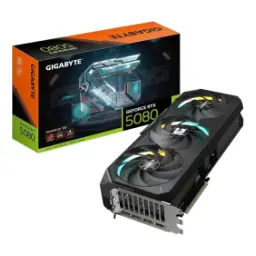
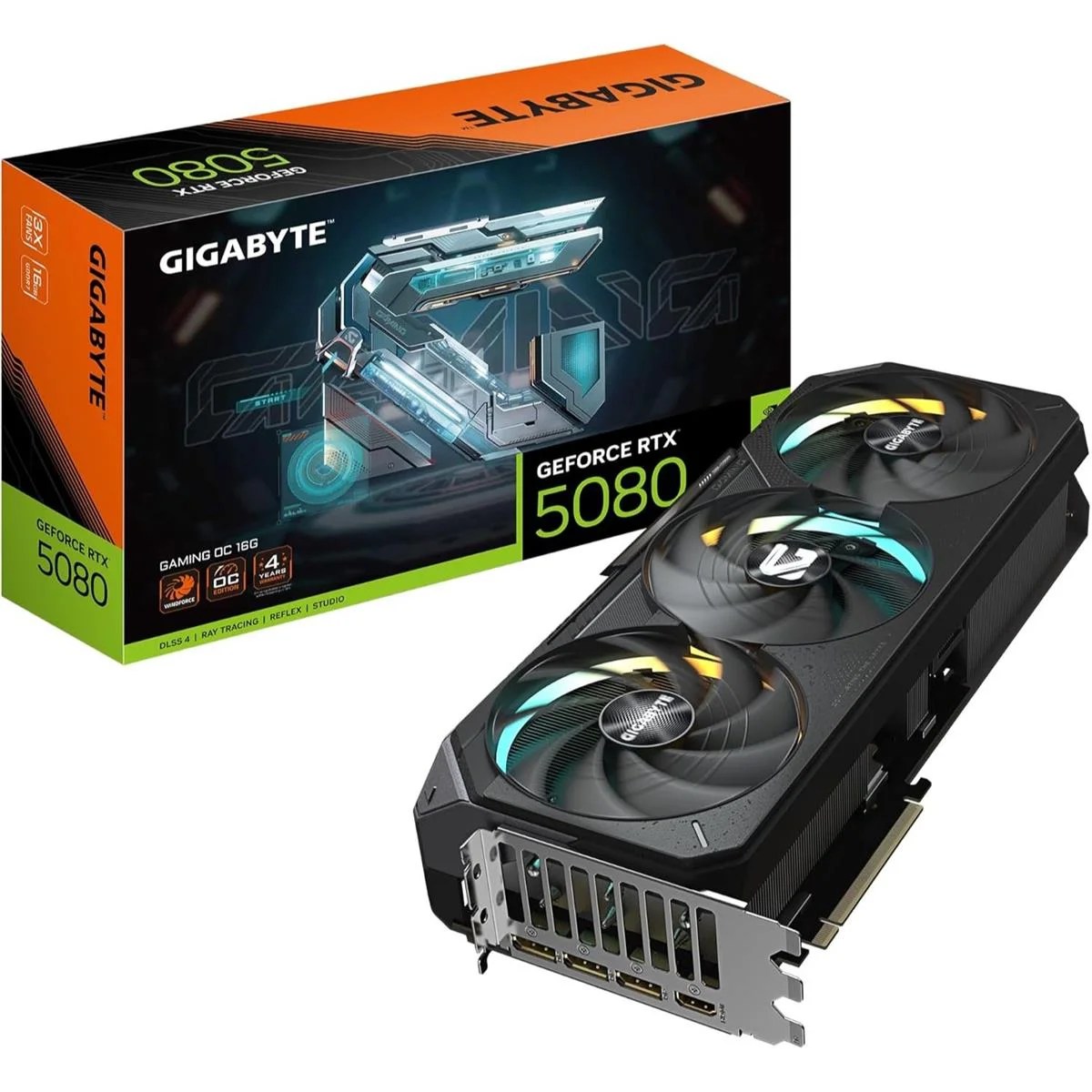
Gigabyte GeForce RTX 5080From Rs. 439,999
Local price
19 offers
Updated 21 hours ago